
Download WhatsApp Chat History: Conversations & Messages
Changing smartphones, losing your device, or simply running out of storage: our precious chats are never completely safe.
Looking for a way to recover your WhatsApp chat history? Discover the official, free method to export your chats (with or without media), back them up permanently and read them outside the app.
How to download your messages from an iPhone
Automatic backup (via iCloud) helps restore WhatsApp on a new device, but you cannot read messages outside the app. Manual export gives you a readable text file. Here is how.


« Without Media » creates a light text file ; « Attach Media » creates a heavier .zip archive.


How to download your messages from an Android


What to do with your export file?
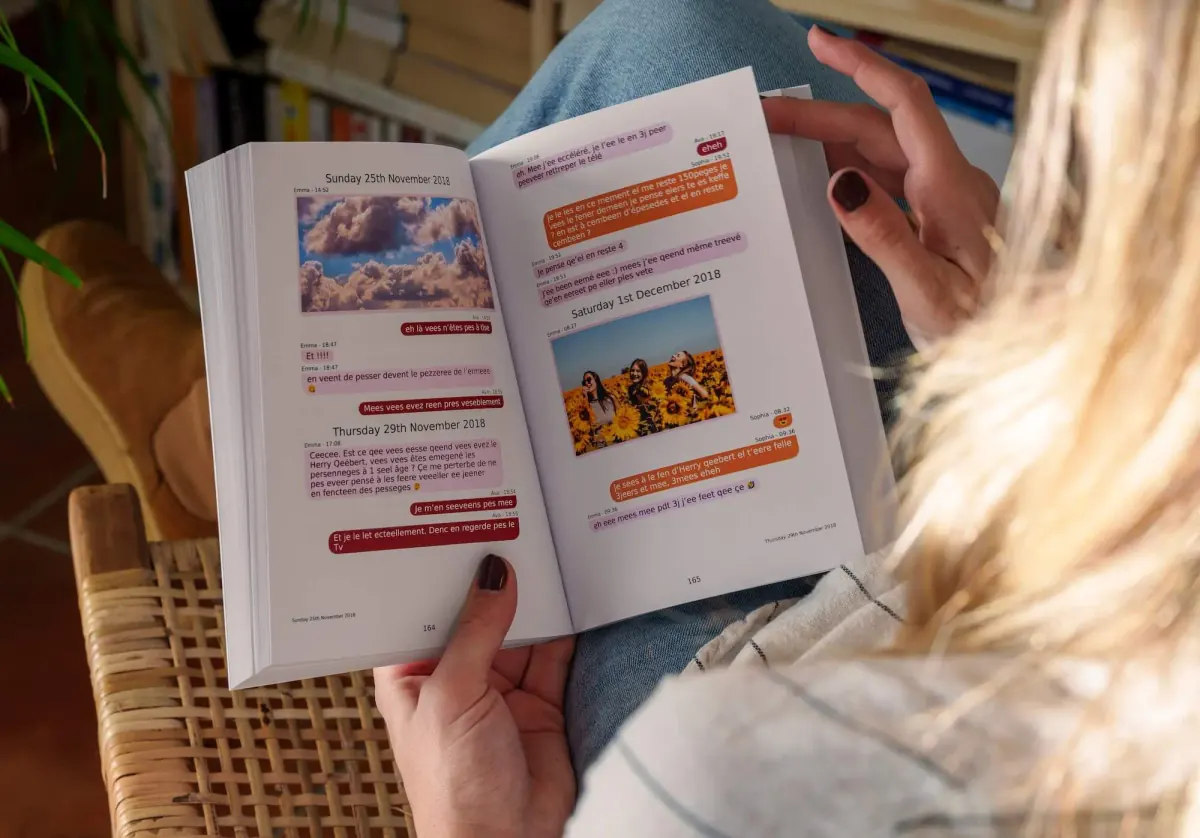
You have successfully backed up your WhatsApp history - great protection against data loss. But let's be honest: a raw file is cold and hard to read. To browse, share or gift it, take the next step with MonLivreSMS (see below).
Export with or without media
WhatsApp gives you two files. Without media, you get a light text file: each line has a date, a time and a name. That is the right choice for a long thread. On Android it is often the only way to get the full history, because an export with photos gets cut off by the phone.
Attach media adds photos, videos and voice notes inside a ZIP. The file grows fast. For a book, photos matter. If the media archive fails, keep the full text, then add the important pictures when you lay the pages out.
What is actually in the file
Without media you get a .txt, often named _chat.txt. With media you get a .zip: the same text, plus the files. Messages that already disappeared are not there. Deleted messages are not there either. Read receipts and « online » are not included. A call may show up as one line, without the audio.
Open the text and check the first and last date before you upload it. If you use MonLivreSMS, you can leave the ZIP closed: the tool reads the archive. More on combining several chats and on whether a converter is safe.
Export chat is missing or cut short
On iPhone the button sits at the bottom of the contact card. On Android: ⋮ menu, More, Export chat. If it is missing, update WhatsApp and open a thread, not just the chat list. WhatsApp Web and the Mac app do not always offer this export. Do it from the phone.
If the file stops halfway, you often emailed it (the cap is about 15 MB), or Android cut an export that included media. Save to Files or Drive, without media, and try again. For a dated record, see how to keep a chat with its dates. For a keepsake, see a couple's chat as a book.
- Update the app before you hunt for the button.
- Skip email for a long thread.
- On Android, export again without media if the archive is cut.
- Keep the original file and work on a copy.
Frequently asked questions (FAQ)
Can I export a WhatsApp chat without photos and videos?
Yes - on Android it is required for a full text history. On iPhone, choose « Without Media » for a light .txt file, or « Attach Media » for a heavier .zip archive.
Why avoid emailing the export from iPhone?
Email servers cap attachments at about 15 MB. Long chats get truncated and you lose messages. Use « Save to Files » instead.
Can I read the export outside WhatsApp?
Yes: you get a .txt file or .zip archive you can open on a computer, store in the cloud or archive. It is the ideal base for a lasting backup.
Can MonLivreSMS turn this export into a book?
Absolutely. Upload your file at app.monlivresms.com: we rebuild chat bubbles, count messages and photos, and generate a free book or PDF mock-up.
From the WhatsApp export to the book
A .txt or .zip keeps the chat, but nobody turns those pages on a Sunday.
MonLivreSMS imports your export, puts the bubbles back on the page, and you see the book or the PDF before you order. The technical side is on us.
-
01
Bring the messages together
WhatsApp, texts, Messenger: we can help you get them out of the cloud, and it stays private.
-
02
You choose
The dates, the words, the photos: it's your story, and you see it before you order.
-
03
The book arrives
The book is on its way, and the PDF is already there.
From the export to the book
We can help you make a lovely book out of it.
Your jokes, your photos, your goodnights. We're sure there's just as much of that as in the old letters, if not more.
Start my WhatsApp book