
How to Know If You Are Blocked on WhatsApp
WhatsApp never notifies you directly when a contact blocks you - the platform prioritises privacy.
Several combined clues (profile photo, status, read ticks, calls) can guide your diagnosis. Here is how to read them without jumping to conclusions.
Key takeaways
- WhatsApp never confirms a block outright - only hints.
- Frozen profile photo, hidden status and a single grey tick are the most common signs.
- Privacy settings can mimic a block: no single clue is absolute proof.
Official ways to tell if someone blocked you on WhatsApp
WhatsApp does not notify you when you are blocked. Several indicators can still point in that direction.
Profile photo and online status
If a contact blocked you, you may no longer see their profile photo update or their online / last seen status - unless they restricted privacy for everyone.
Message checkmarks
Normally messages go from one tick (sent) to two grey ticks (delivered) then blue (read). If you permanently see only one tick, the message may not have been delivered - block or phone offline.
Calls and group invites
A WhatsApp call that never rings, or being unable to add someone to a new private group, can suggest a block. In an existing group you still see them, but private messages stay unanswered.

Other methods to verify a block
Cross-check several clues before concluding - WhatsApp is designed to protect privacy.
Status updates
If someone regularly posted status updates you no longer see at all, that adds weight - unless they changed « My contacts except… » settings.
WhatsApp Web or a trusted device
Compare what you see on mobile vs WhatsApp Web, or observe the profile from another account (respectfully), to spot visibility differences.
Chat history
A profile photo that suddenly vanishes, plus messages stuck on one tick for a long time, strengthens suspicion - but is not legal proof.
Frequently asked questions (FAQ)
What signs suggest I was blocked on WhatsApp?
Profile photo no longer updating, hidden online status, messages stuck on one tick, calls that never ring - common hints, never official confirmation.
Can I detect a block without sending a message?
Partly: missing status updates, frozen photo or failed calls may be enough. Sending a message is still the clearest test for delivery ticks.
Does WhatsApp show who blocked me?
No. Meta provides no list or notification. Only indirect clues exist - and privacy settings can mimic a block.
Why do my messages show only one grey tick?
One tick means « sent to server ». If a second never appears, the message was not delivered to the recipient's phone - possible block, but also offline or no signal.
From the WhatsApp export to the book
A .txt or .zip keeps the chat, but nobody turns those pages on a Sunday.
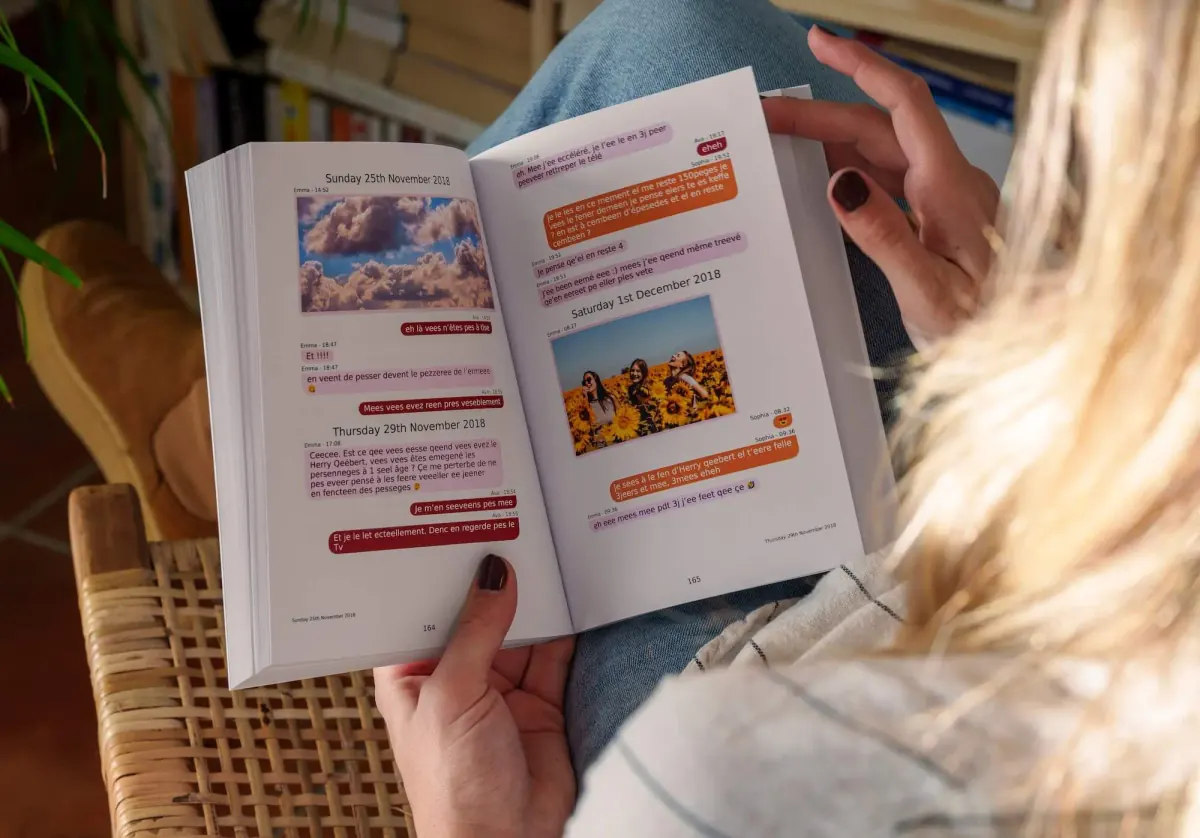
MonLivreSMS imports your export, puts the bubbles back on the page, and you see the book or the PDF before you order. The technical side is on us.
-
01
Bring the messages together
WhatsApp, texts, Messenger: we can help you get them out of the cloud, and it stays private.
-
02
You choose
The dates, the words, the photos: it's your story, and you see it before you order.
-
03
The book arrives
The book is on its way, and the PDF is already there.
From the export to the book
We can help you make a lovely book out of it.
Your jokes, your photos, your goodnights. We're sure there's just as much of that as in the old letters, if not more.
Start my WhatsApp book