
How to Create a Poll on WhatsApp
WhatsApp polls make group decisions easier: meeting dates, restaurant picks, quick opinion checks…
Available on iOS, Android and Web in group chats. Here is how to create, send and read live results.
Key takeaways
- WhatsApp polls work in group chats (iOS, Android and Web).
- Create in seconds: question + answer options, live results.
- Polls cannot be edited after sending - prepare your options carefully.
How to create a poll on WhatsApp
WhatsApp lets you run a poll inside a group chat - handy for picking a date, restaurant or group decision.
-
Open WhatsApp and go to the target group chat.
-
On iPhone tap +; on Android tap the paperclip attachment icon.
-
Choose Poll, enter your question and add answer options (at least two).
-
Tap Send - members can vote right away.

Managing and joining polls
Once published, all group members see results update in real time.
Casting a vote
Open the poll in the chat and tap your choice. You can change your vote while the poll is still active.
Reading results
WhatsApp shows vote counts per option as progress bars - quick visual majority at a glance.
Limits to know
Polls are not anonymous in the group: votes are visible. WhatsApp also does not support multiple selections on one question.
Frequently asked questions (FAQ)
How do I create a poll in a WhatsApp group?
Open the group, tap + (iOS) or the paperclip (Android), choose Poll, enter the question and at least two options, then send.
Why don't I see the poll option?
Update WhatsApp from the App Store or Play Store. Polls work in groups - not in one-to-one chats.
Can I edit a poll after sending it?
No. Create a new poll if you need to change the question or choices. Existing votes stay on the old poll.
Are WhatsApp polls anonymous?
Not in a group: participants can see who voted for which option. WhatsApp has no native anonymous mode.
From the WhatsApp export to the book
A .txt or .zip keeps the chat, but nobody turns those pages on a Sunday.
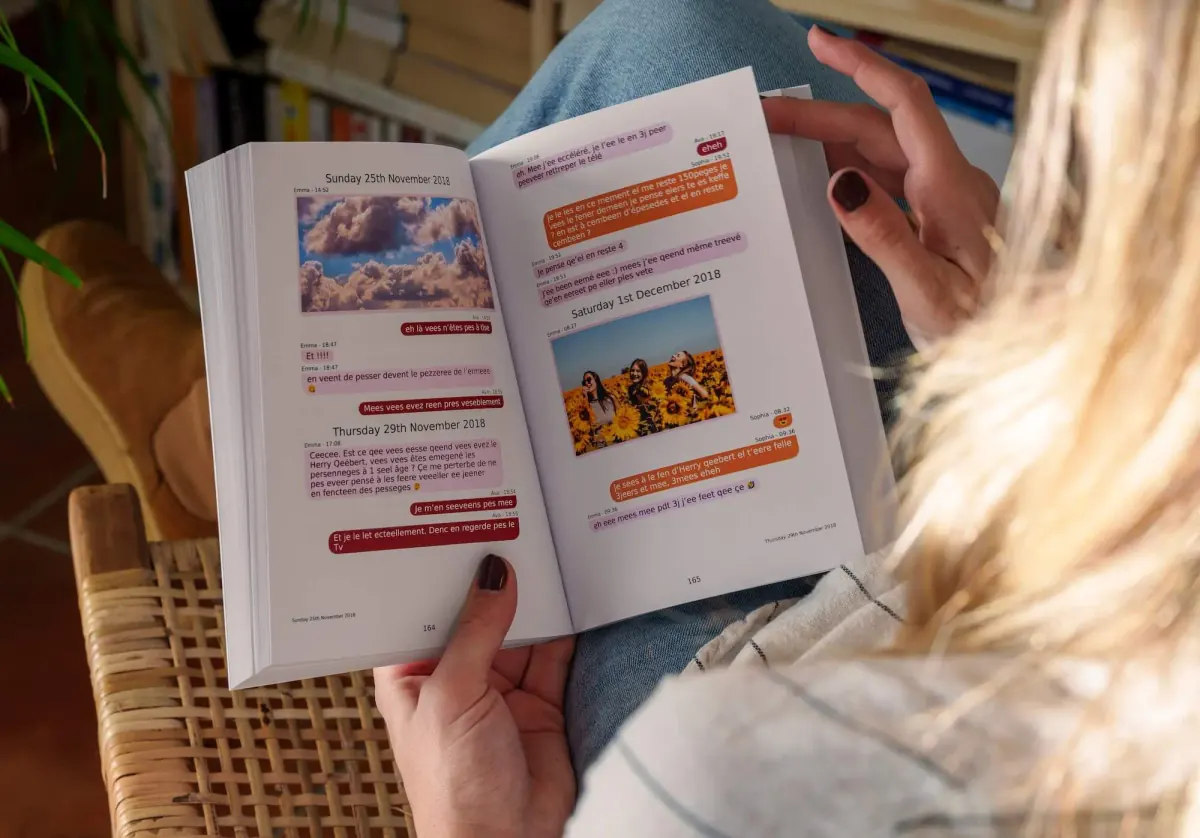
MonLivreSMS imports your export, puts the bubbles back on the page, and you see the book or the PDF before you order. The technical side is on us.
-
01
Bring the messages together
WhatsApp, texts, Messenger: we can help you get them out of the cloud, and it stays private.
-
02
You choose
The dates, the words, the photos: it's your story, and you see it before you order.
-
03
The book arrives
The book is on its way, and the PDF is already there.
From the export to the book
We can help you make a lovely book out of it.
Your jokes, your photos, your goodnights. We're sure there's just as much of that as in the old letters, if not more.
Start my WhatsApp book