Export a Messenger conversation as a PDF
To export a Messenger conversation as a PDF, use the Meta archive. On your phone, open Accounts Center. If the chat is encrypted, do it on a computer, through Messenger.com. You get a ZIP file.
The steps below cover both cases. Upload the ZIP as-is, pick one conversation, and the PDF is generated without printing everything.
Guide to download standard Messenger messages
If you have not enabled end-to-end encryption, these are standard messages. Here is how to do it directly from the Messenger app on your phone.


Important: select the JSON format and Low media quality for a faster download. Finally, click « Create file ».

Guide to export Encrypted Messenger messages
If you use end-to-end encryption (secure messages), this process should ideally be done from a computer.


Final step: print your chat history in a book
Now that your Facebook archive is downloaded to your phone or computer (in .zip format), you can import it into our creator to generate a beautiful book.
The archive contains all your Messenger messages, but rest assured: our tool will let you select only the chat (with the person of your choice) you want to print.


Read the archive without printing all of it
A Facebook archive is a ZIP with many threads. You do not print the whole folder. After import, the list appears and you pick one thread. Encrypted chats are not in that phone archive. They download from Messenger.com, as above.
In an unzipped copy, ordinary threads often sit in a messages folder, with one JSON per conversation. Leave the original ZIP closed for import. For a dated record rather than a keepsake, start from keep a chat with its dates. To put Instagram in the same book, see combine several apps.
Frequently asked questions (FAQ)
How do I export a Messenger conversation as a PDF?
Download the ZIP from Meta Accounts Center on your phone, or from Messenger.com if the chats are encrypted. Upload that ZIP as-is, pick one thread, and you get its PDF. You do not have to print everything.
How do I recover a lost or deleted Messenger conversation?
If Meta still holds the data, export your Facebook/Messenger archive - standard messages are often still there. For encrypted chats, use the export from Messenger.com. MonLivreSMS can then rebuild the thread from the file.
What is the difference between standard and encrypted Messenger messages?
Standard messages export from the mobile app via Meta Accounts Center (Facebook archive). End-to-end encrypted messages download from Messenger.com on a computer, through Privacy & secure storage.
Do I need to unzip the file before import?
No. Upload the .zip file downloaded from Facebook or Messenger as-is. Our tool extracts and parses the archive automatically - unzipping manually can break the expected structure.
The archive contains all my chats - can I print just one?
Yes. After import, MonLivreSMS lists your chats: pick only the conversation (with the person you choose) to turn into a book or PDF.
Your Messenger chats read better as a book
You often hear that a Facebook archive belongs in a folder. We're sure a book reads better, with the dates, without opening the app.
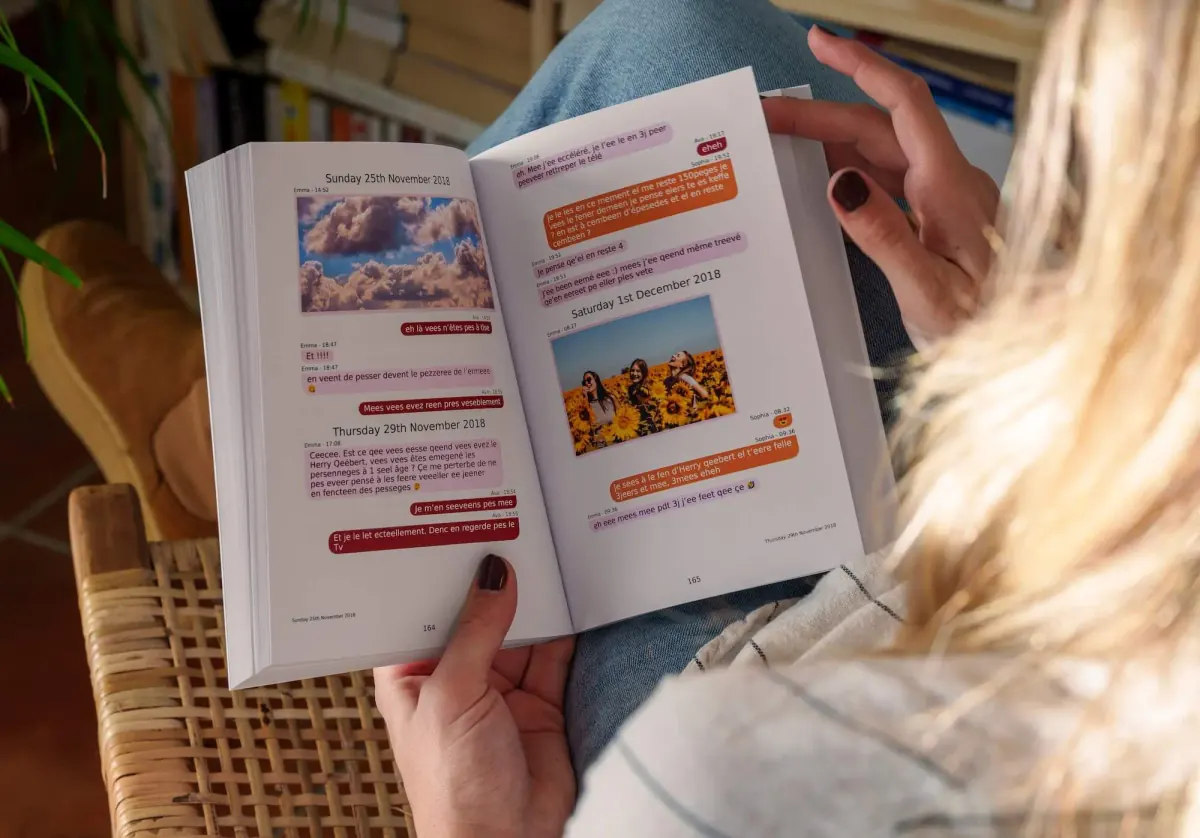
MonLivreSMS imports your file, puts the bubbles back on the page, and you see the book or the PDF before you order. The technical side is on us.
-
01
Bring the messages together
WhatsApp, texts, Messenger: we can help you get them out of the cloud, and it stays private.
-
02
You choose
The dates, the words, the photos: it's your story, and you see it before you order.
-
03
The book arrives
The book is on its way, and the PDF is already there.
From the Messenger archive to the book
The technical side is on us.
Your jokes, your photos, your threads. We're sure there's something wonderful in there.
Start my Messenger book