How to Export Instagram DM Messages as a Book
Want to save your best Instagram Direct Messages before closing an account, or keep a tangible record of a precious relationship?
Meta offers an official, free way to export your full chat history. This step-by-step guide shows how to download your archive, then turn it into a printed book or PDF with MonLivreSMS.
How to export your Instagram messages
To back up your Direct Messages cleanly, request a data file from Meta's Accounts Center. You can do this directly from the Instagram app on your smartphone.


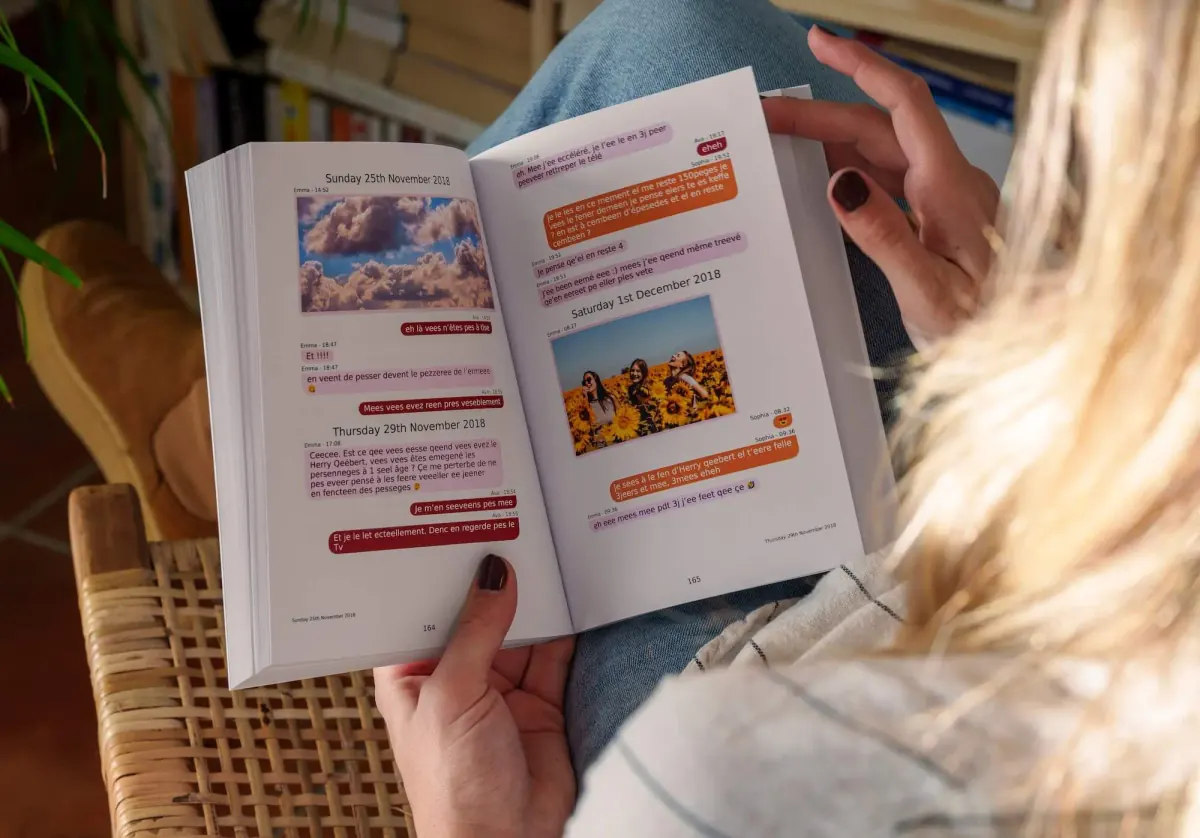
Print your Instagram chat as a book
Your Instagram archive is now saved as a .zip on your device. Raw JSON is hard to read - MonLivreSMS rebuilds the conversation visually and turns it into a printed book or PDF.


Which file to add for the book
Add the ZIP Meta sends you. Do not rename every piece by hand. We list the threads. You print one. The useful format is JSON. HTML is for reading on screen, not for rebuilding bubbles.
The folder path, broken emoji and message_1.json are covered in download your Instagram history. Photos from the thread go on the page. Videos sit behind a QR code.
Frequently asked questions (FAQ)
How do I turn my Instagram DMs into a printed book?
First export your Meta archive in JSON, then upload the .zip file at app.monlivresms.com. MonLivreSMS rebuilds the chat visually and offers a free book or PDF preview before you order.
How long does Meta take to prepare my export?
Between 10 minutes and 24 hours depending on volume. Meta emails you when the archive is ready; download it from Accounts Center.
Do I need to unzip the file before importing to MonLivreSMS?
No. Keep the .zip as Meta delivers it and upload it directly. MonLivreSMS extracts and parses it automatically.
Why choose JSON instead of HTML for the Instagram export?
MonLivreSMS reads Meta archives natively in JSON. HTML is mainly for browsing in a browser, but less reliable for rebuilding chat bubbles with photos and timestamps.
Your Instagram messages read better as a book
You often hear that an export belongs in a folder, and that that's enough. We're sure a book reads better than a ZIP, on a Sunday, without opening the app.
MonLivreSMS imports your Meta file, puts the bubbles back on the page, and you see the book or the PDF before you order. The technical side is on us.
-
01
Bring the messages together
WhatsApp, texts, Messenger: we can help you get them out of the cloud, and it stays private.
-
02
You choose
The dates, the words, the photos: it's your story, and you see it before you order.
-
03
The book arrives
The book is on its way, and the PDF is already there.
From the Instagram export to the book
The technical side is on us.
Your jokes, your photos, your everyday messages. We're sure there's something wonderful in there.
Start my Instagram book