
Create a book from Messenger
A one-of-a-kind gift, from you: no one else could give this.
Your messages stay private: only the conversation you choose is used.Start with Recent chats. Switch to older only if yours is missing.
Export your recent Messenger chats
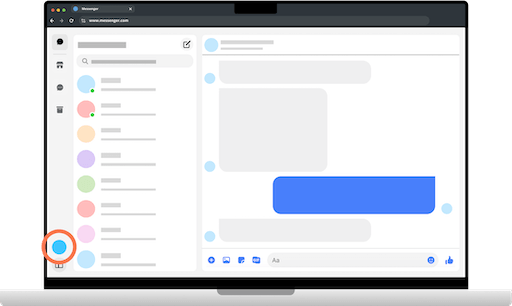
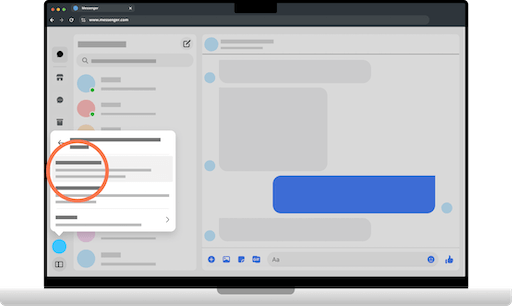
On a computer, open Messenger.com, sign in, then click the settings gear in the bottom left.
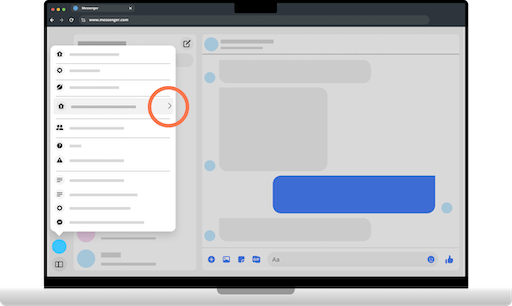
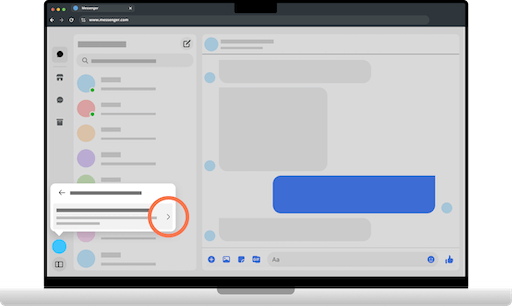
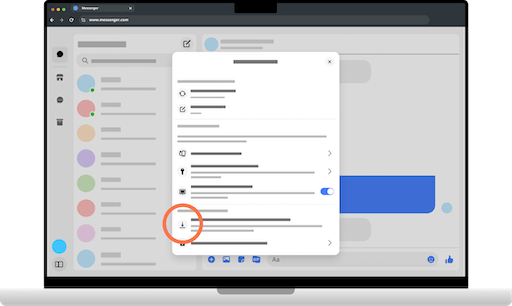
Go to Privacy and safety, then End-to-end encrypted chats, then Message storage.
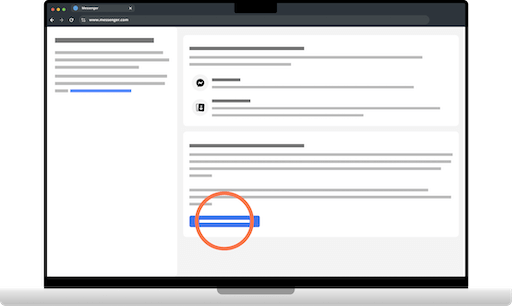
Click Download message storage data. Keep Media checked and choose the All time range.
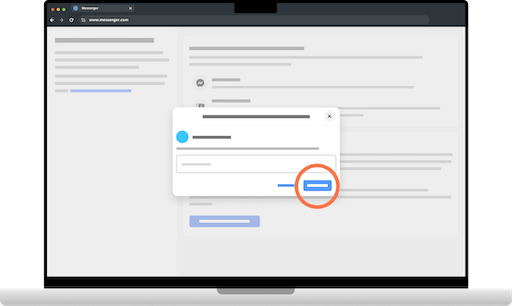
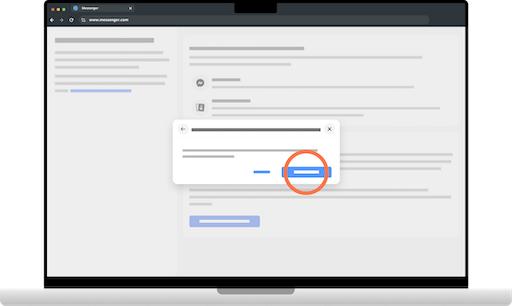
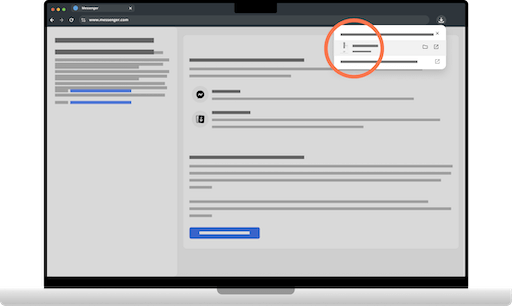
Click Download file, then add the .zip below: don't unzip it: you'll pick the chat afterwards.
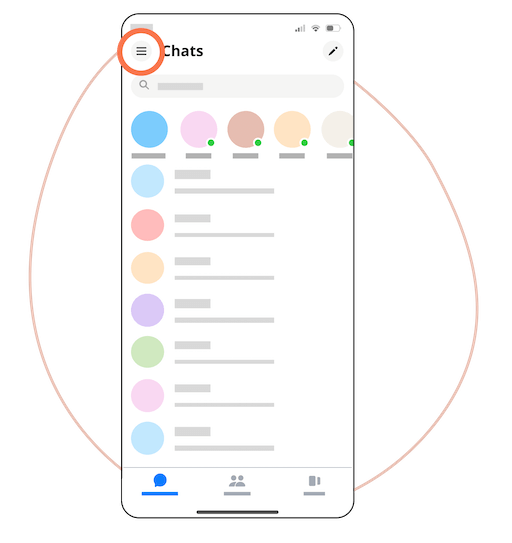
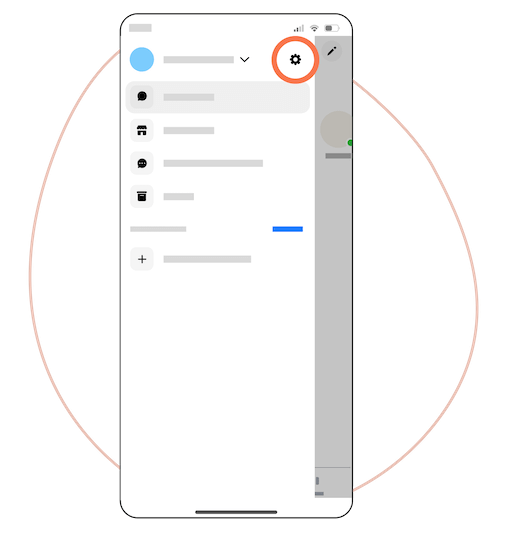
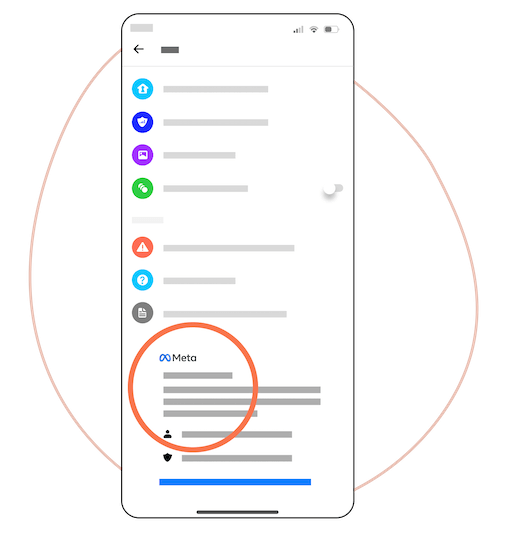
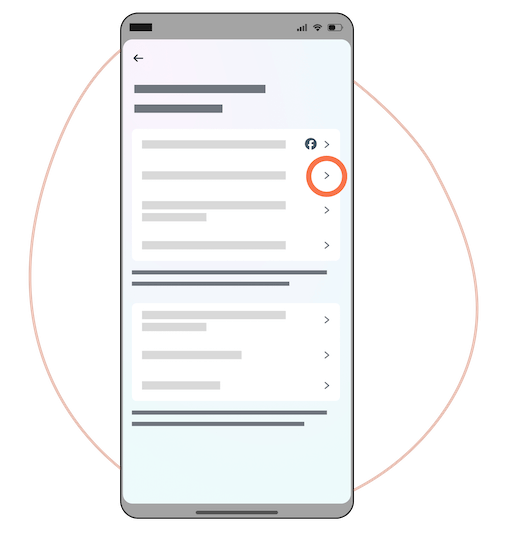
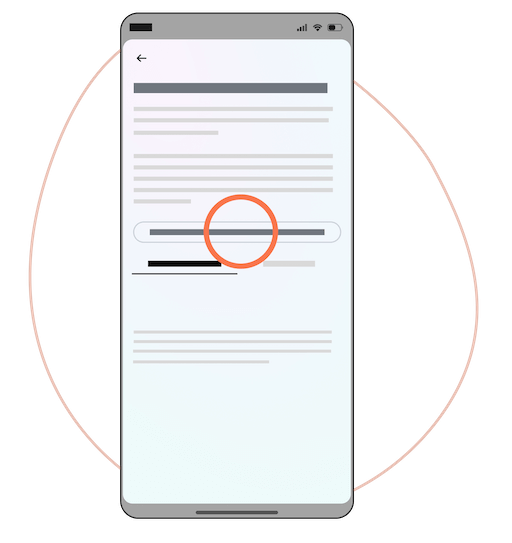
Recent chats export: detailed guide
Follow each step with the screenshots below. You can also use the button above to open Messenger.com and skip to step 2.
Export your older Messenger chats
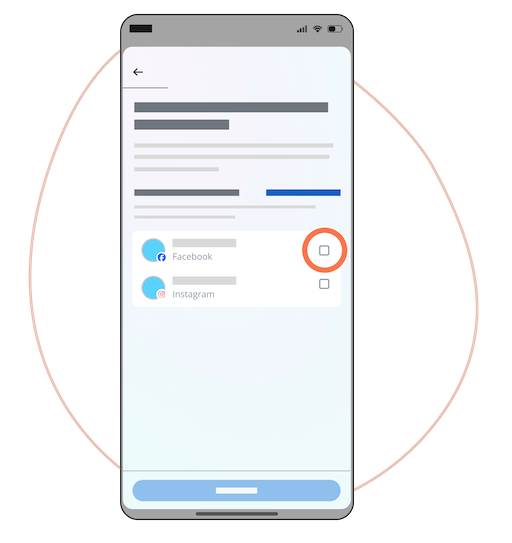
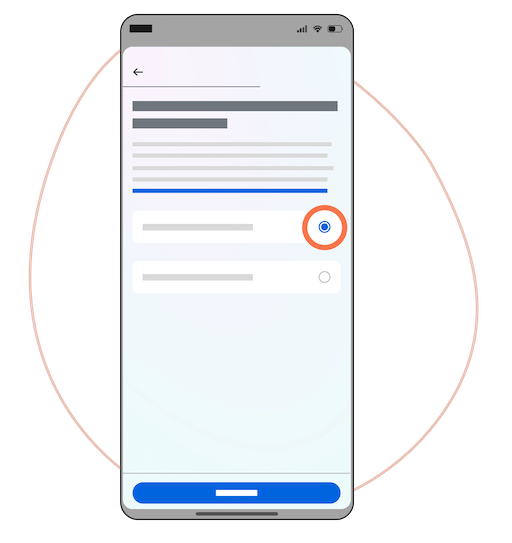
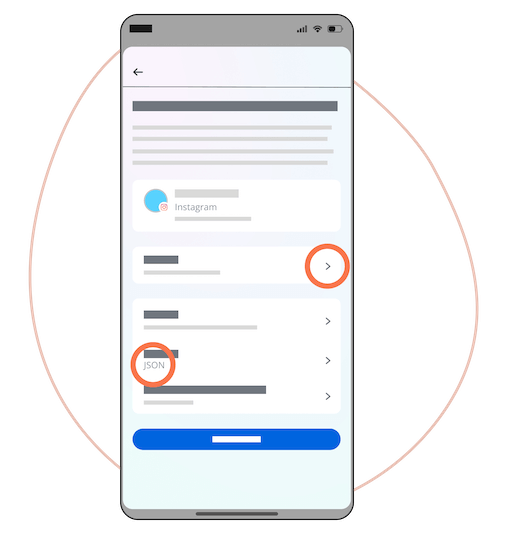
Tap Create export, choose your Facebook profile, then Export to my device.
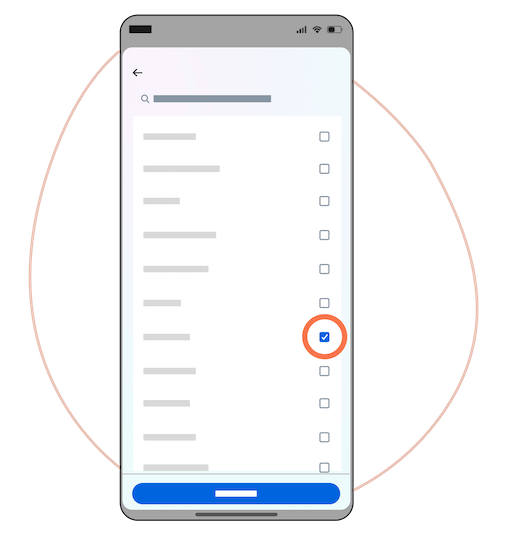
Tip for a faster export: Clear all, check Messages only. Choose JSON format and Low media quality.
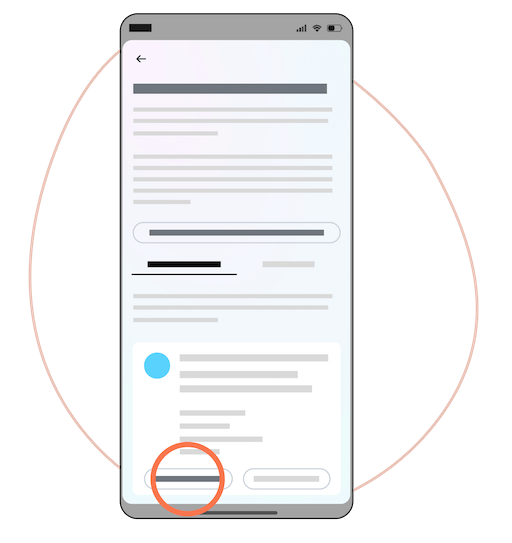
Tap Start export, wait for the email (10 min to 24 h), download the .zip and add it below: don't unzip it. You'll pick the chat afterwards.
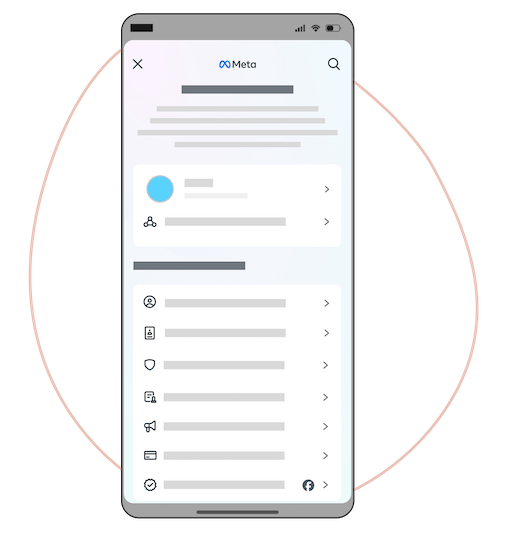
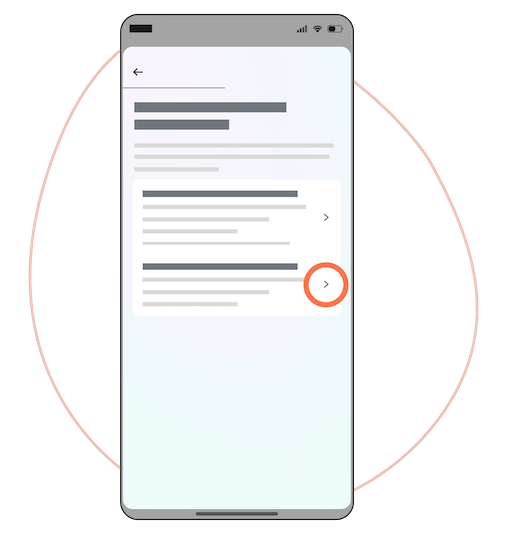
Older chats export: detailed guide
Follow each step with the screenshots below. The button above opens the export page directly.