
Your story

Create a book from Instagram
A one-of-a-kind gift, from you: no one else could give this.
Your messages stay private: only the conversation you choose is used.Export your Instagram messages in 3 steps:
Export your Instagram messages
1
Tap Create export, choose your Instagram profile, then Export to my device.
2
Tip for a faster export: Clear all, check Messages only. Choose JSON format and Low media quality.
3
Tap Start export, wait for the email (10 min to 24 h), download the .zip and add it below: don't unzip it. You'll pick the chat afterwards.
JSON format required (not HTML). Tip: exporting Messages only is faster, but not mandatory.
Instagram export: detailed guide
Follow each step with the screenshots below. The button above opens the export page directly.
Step 1 of 12
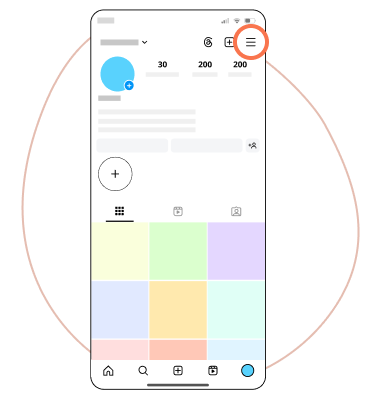
Open the Instagram app, then go to Settings via the three dots at the top right.
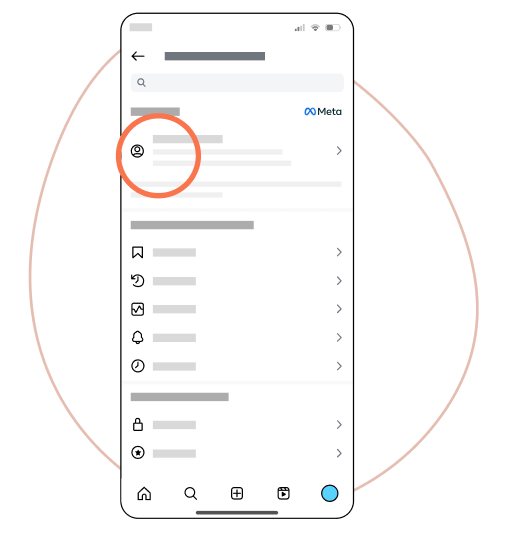
Select Accounts Center.
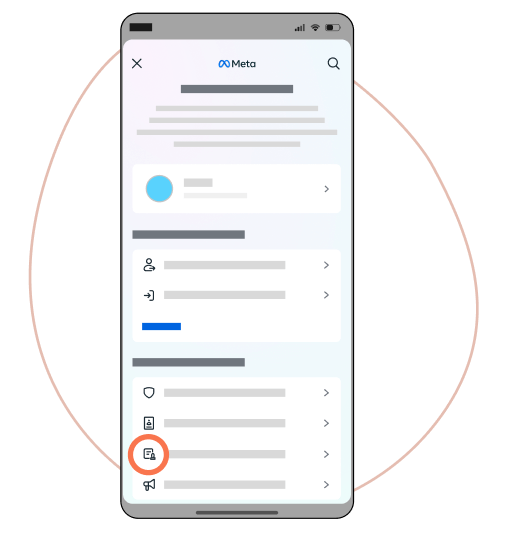
Tap Your information and permissions.
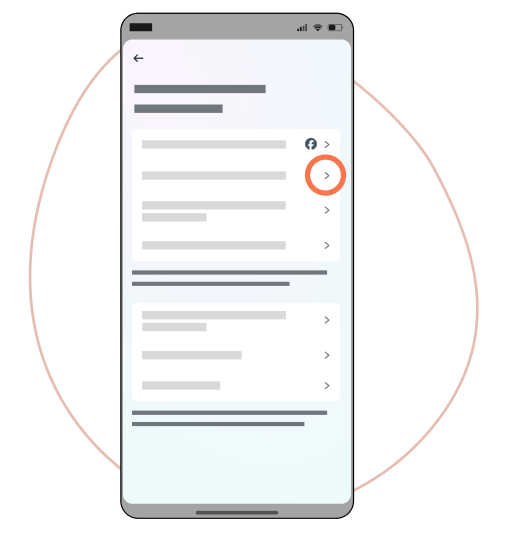
Choose Export your information.
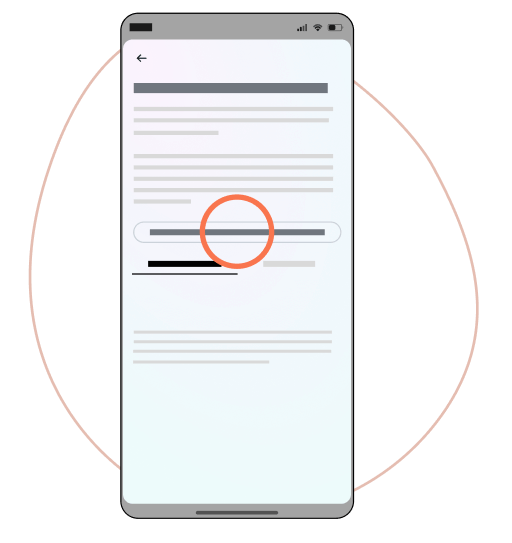
Go to Download or transfer information. If you used the button above, you are already on this page.
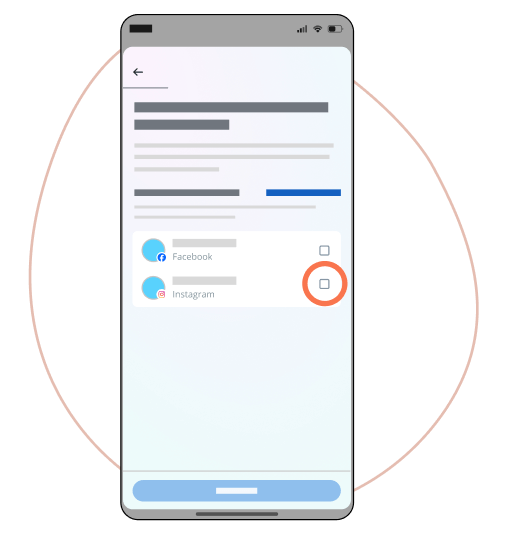
Select Instagram. This step may not appear on some accounts.
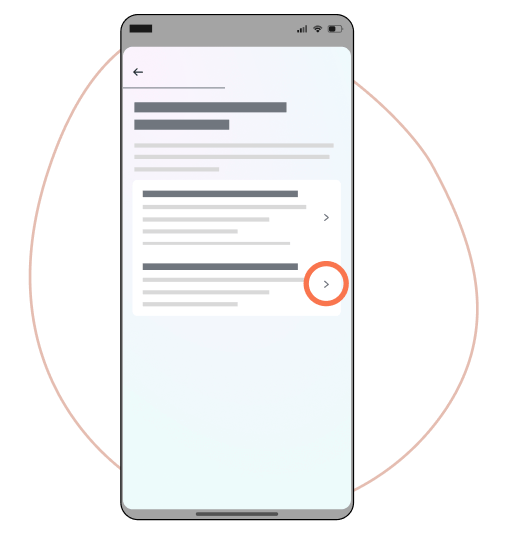
Choose Some of your information.
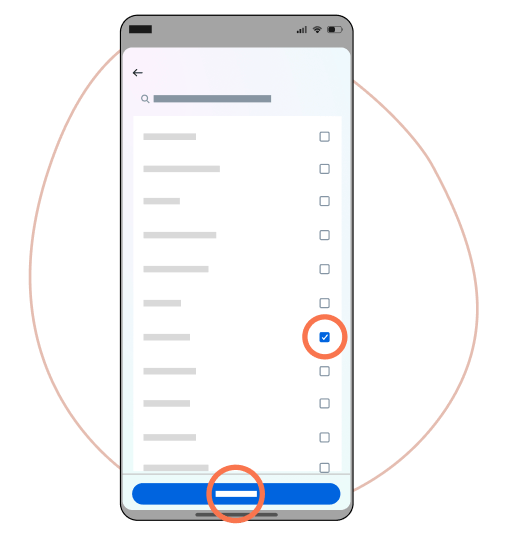
Scroll to Messages, check it, then tap Next.
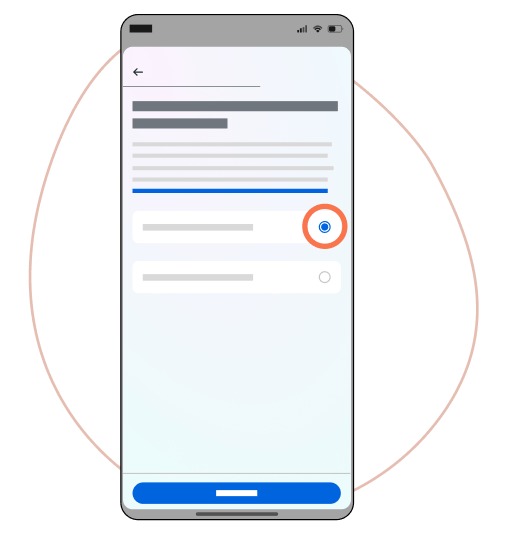
Tap Download to device.
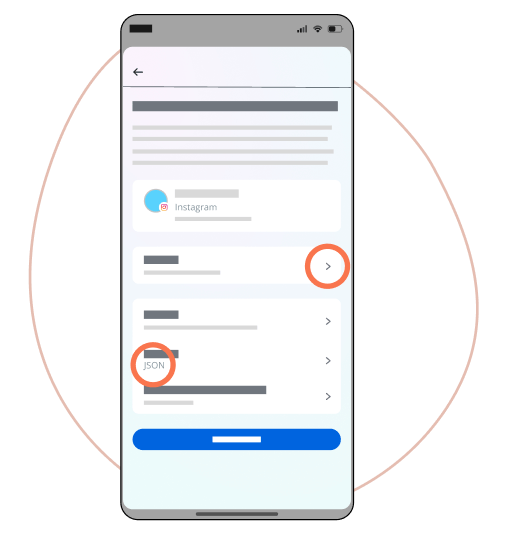
Choose the desired date range, JSON format and low media quality for a faster download.
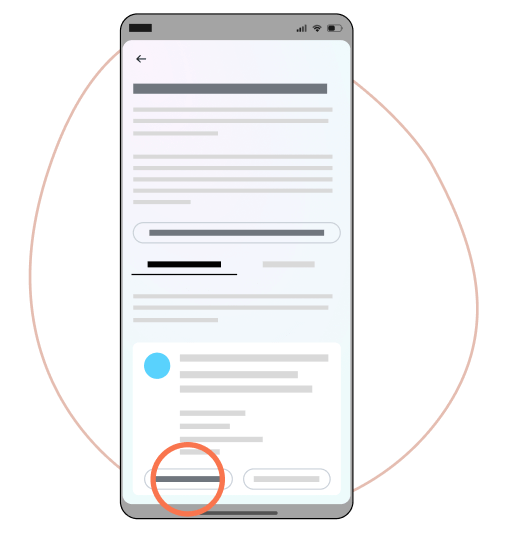
Your archive will be ready within 10 minutes to 24 hours. You will receive an email when it is available: you can also find it on the Account Center page.
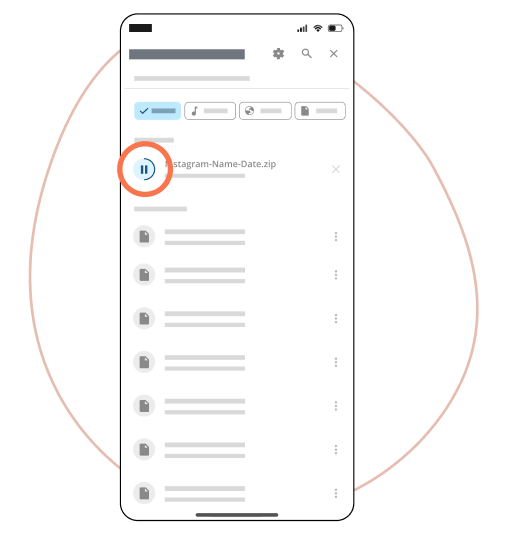
Download the complete .zip file to your device, then add it below: don't unzip it. We'll only use the chat you pick next.